Face Key
For residents
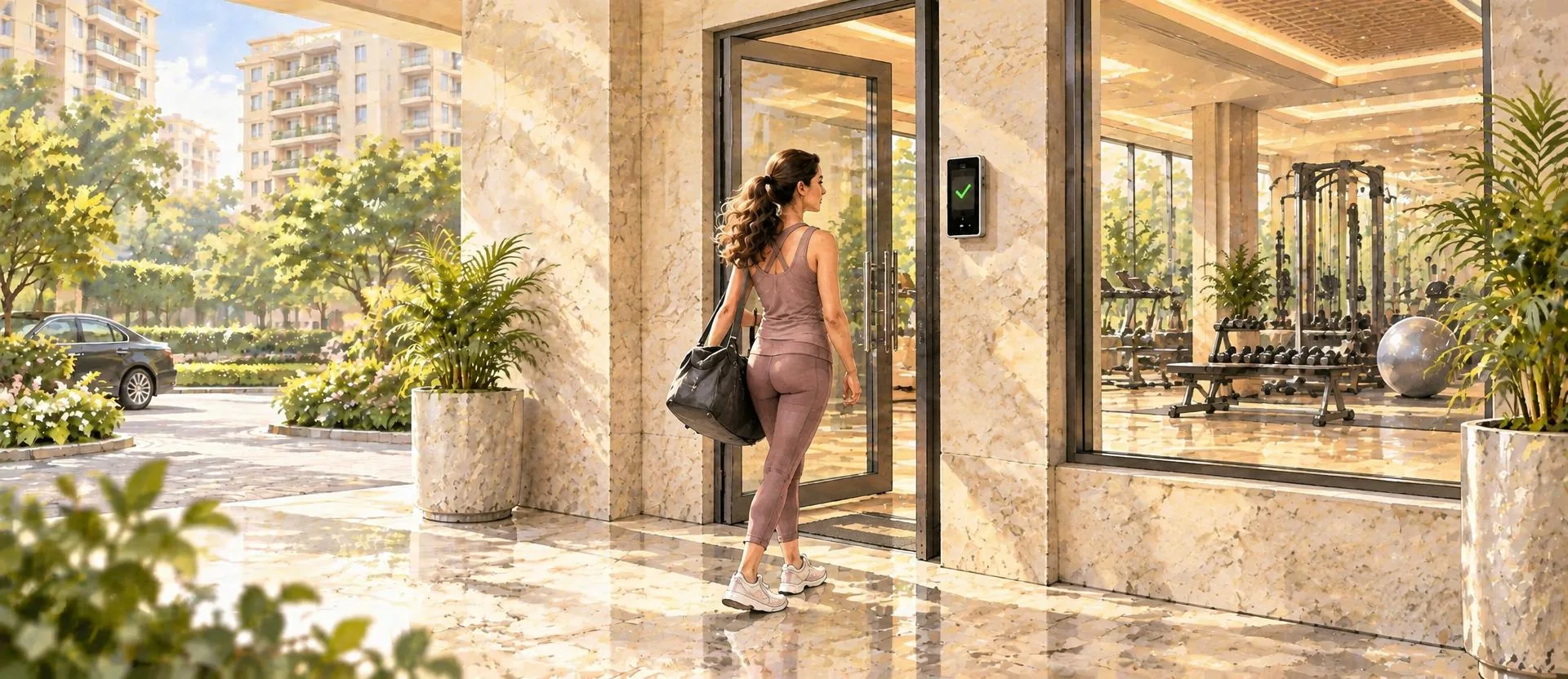
Walk up and the door opens. No phone, no card, no fumbling with shopping bags.

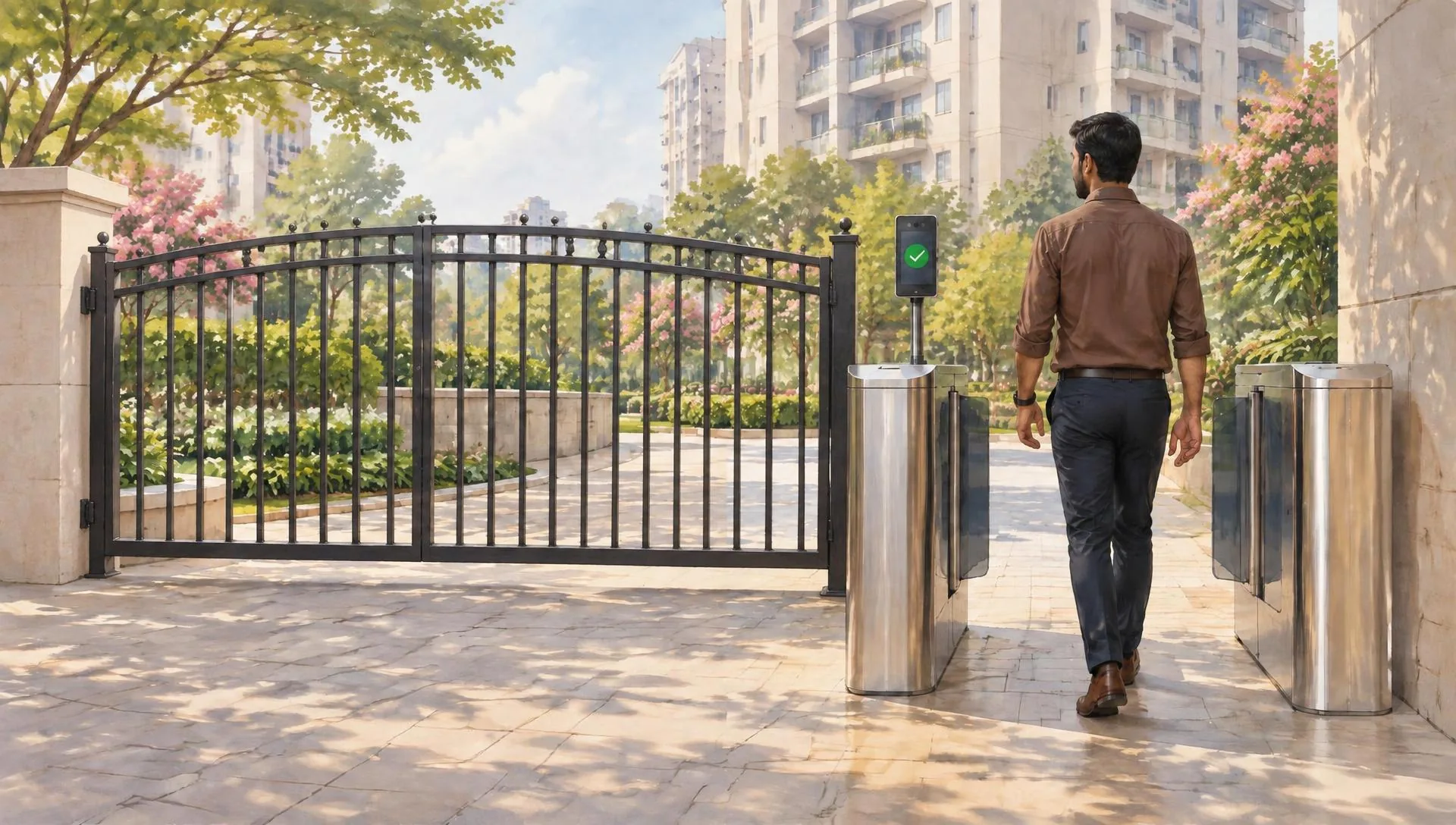
One access engine for the main gate, tower lobbies, basements, lifts and the clubhouse. Residents walk in with Face Key or their app. Guests get a pass that opens only the doors they need.
Smart security and walk-in convenience give a clear USP over every other launch in the market.
Buyers feel safer knowing every door recognises residents and keeps unverified persons out, and guests and staff to their allowed areas.
Residents walk in without a card or phone, and amenities stay for residents only.
It all runs inside a branded app, so your name stays in daily use.
Every common door in your community connects to one central engine, which checks and verifies a person before opening the door.
Face Key, Resident App QR Pass, Staff ID card or Visitor Pass.
Is this person registered, and is their profile active?
Are they allowed through this door, not just into the community?
Facility hours, bookings, dues status and any active restrictions.
If any check fails, the door stays closed. Every attempt is logged.
Change once, every door updates. A move-in, a move-out or a staff exit is updated once on the platform. It takes effect at every door straight away, with no device-by-device setup.
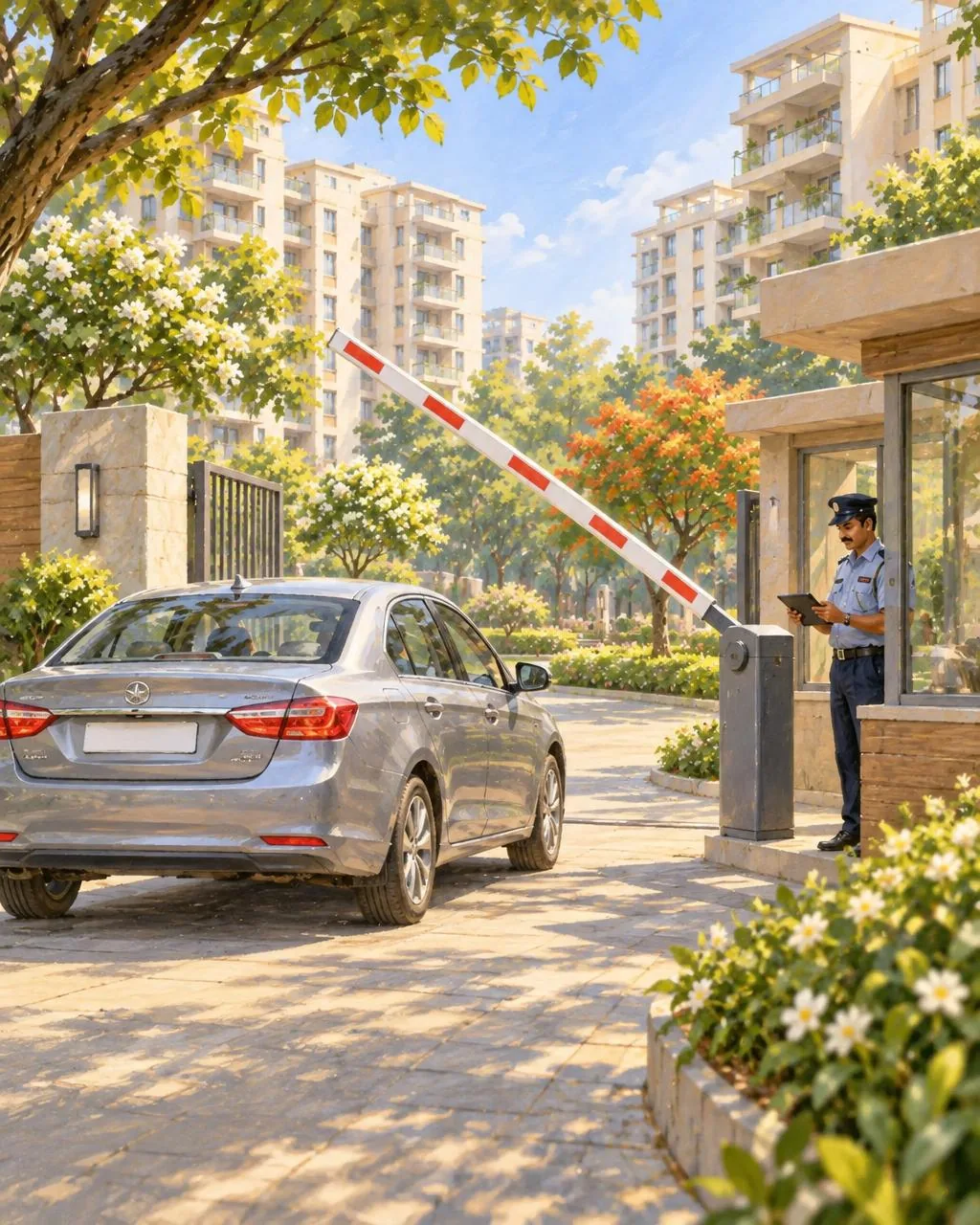
All of them: every common access point, from the main gate to the gym, runs on one hub.
Each person gets the credential that suits them, and every credential is checked by the same engine.
For residents
Walk up and the door opens. No phone, no card, no fumbling with shopping bags.
In your Resident App
For residents who'd rather not use Face Key. They open the app, tap Resident ID and scan at the door.
For guests, events and frequent visitors
So that guests, delivery personnel, etc. can conveniently reach the flat they're visiting.
For domestic help, community staff and vendors
Everyone who works in the community is identified, and their access is limited to where their work is.
The management team sets a rule once and every door applies it daily, with no extra guard needed. Before handover that's your facility team; after handover it's the association.
| Rule | What the door does | Example |
|---|---|---|
| Facility hours | Opens only during the hours set for that facility | Gym 5 AM–10 PM; pool closed on maintenance days |
| Booking-linked access | Opens only for the resident who booked that slot | Badminton court booked 11 AM–12 PM opens only for that resident. No booking, no entry. |
| Dues-linked access | Pauses amenity access once dues pass a set limit, and restores it automatically when they're cleared | Clubhouse doors, linked to the billing and accounting module |
| Resident-only zones | Keeps chosen areas for residents only | Gym or pool closed to guests |
| Occupancy-based profiles | Applies different access profiles to owner-occupied and rented flats | Owners and tenants get different amenity rights |
Face Key is opt-in, controlled by the resident, encrypted end to end. Privacy is part of how the system works, not a setting someone has to remember to switch on.
Walk through a live community setup with our team, from the main gate to the gym.
Effortless for residents. Airtight for you.